Showing posts with label Local Storage. Show all posts

Saturday, 26 July 2014

Malicious Attack with IOS Device Local Storage

In our previous blog post “Pentesting with iPhone without Jailbreak” we gave you an overview of software named iFunbox as well as how to access the local storage of any application. In today’s blog post we shall expand on that and we will show you how to leverage that technique and perform a malicious attack.
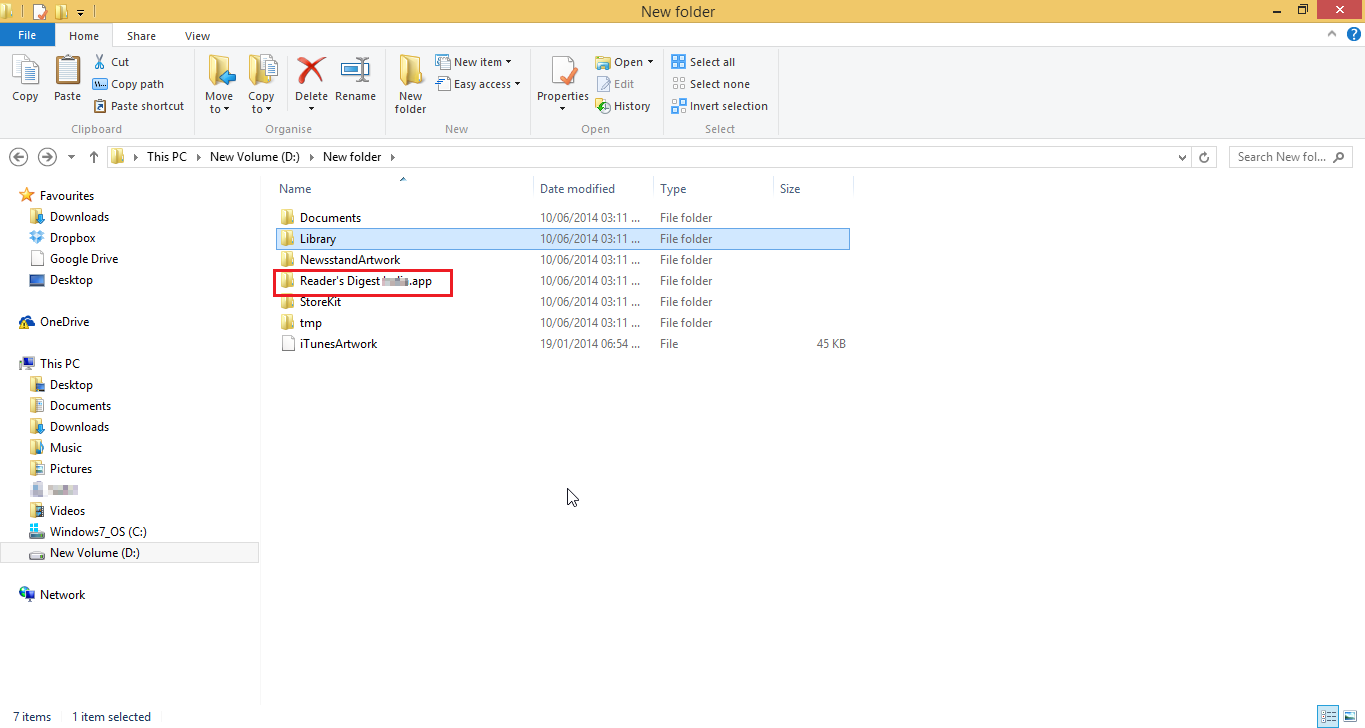
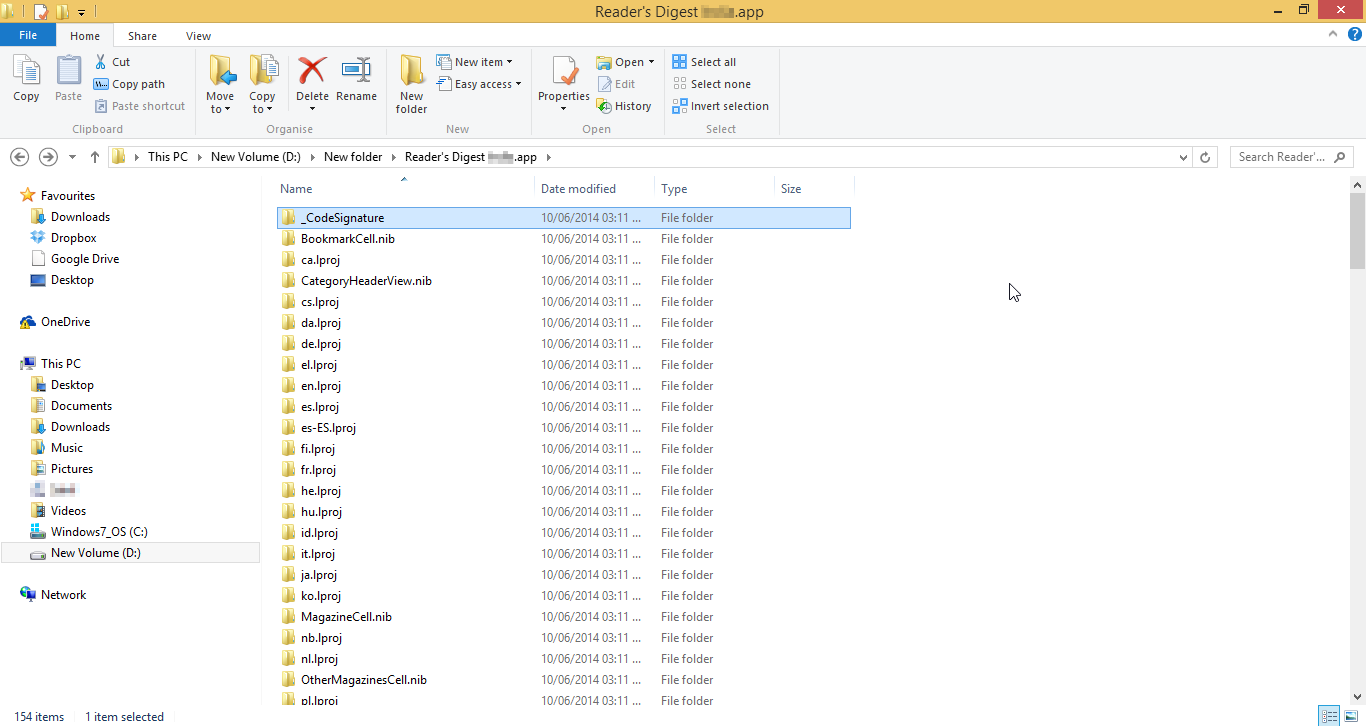
Access the local storage of the application (if you want to know how to access it kindly refer to our previous post.)
Image 1 - Applications on the Device

Image 2- Files in Local Storage

Now when an attacker gets access to this local storage he can upload any malicious content into the storage. Also any desired changes to the content of the application can be done. And with the help of the software (ifunbox) we can push the content back into the device. So when a user opens the application the malicious content will also be loaded along with the application. 

Let us take a scenario in which an application stores certain offline webpages for faster loading of its application. Now an attacker who has the access to the local storage can insert malicious JavaScript into these pages and push (use the option “Copy from PC” in the ifunbox) the application back into the phone. Now whenever a user runs that application the JavaScript’s will also run and in this way he can take control of the device. 
Image-3 Java Script is loaded when the application is opened
The above image shows a cross site scripting attack we performed on an application by exploiting application's local storage. The interesting thing here is that all the applications store something in local storage i.e. offline pages, images, sensitive data etc. Hence there is lot for an attacker to exploit. Also one might think that in terms of security the device is pin locked and fingerprint locked but sadly these attacks would even work if the device was protected with such security mechanisms.

To curb such attacks the most important thing one could do to safe guard would be “Keep your phone with you at all times ;-)” .

Note:- All the changes are to be made outside the  ".app" folder.

Thursday, 12 June 2014

Pentesting Iphone without “Jailbreak”

I would like to thank everyone for appreciating our first blog post and sending us positive feedback. As promised in the previous blog here we shall discuss a step by step guide on pentesting an iPhone without jail breaking the device. Now going straight to business following are the things that you shall need before performing these steps.
  • An Apple Device(iPod, iPhone, iPad)
  • A Computer
  • Itunes installed on the computer
  • Device drivers installed
  • USB cable to connect the device
  • iFunBox application installed on the computer (http://www.i-funbox.com/)
Before moving ahead I would like to thank the Team at “iFunBox” for creating such a wonderful application.
Moving ahead are the steps:

Step-1

  • Connect your apple device to desired computer/machine
  • After connecting the device open the iFunBox application on the machine


If the device is properly attached and the drivers are installed the ifunbox application will show the device along with its name. In this case we are using “Ipad2”.
The left hand side panel will show all the applications which are installed on the device. Also one of the things to notice is if the device is not Jail Broken then after the device name it will show “Jailed”. The image below will give you an clear idea about it.

Step-2
  • From the list of applications select the application which you want to pentest.
  • Right Click on that application and select the option copy to my PC.

Step-3
  • After selecting the option the files of the respective application will be copied locally to the desired location.
  • And we are ready to test the application.


All this data can be analyzed with various available tools such a SQL lite browser.
Note-:  In an Iphone application unlike Andriod there is no such manifest file which will give information about the permissions that have been granted/taken by an installed application Now this is a very trivial information if known can be very useful .Now to get this answer Ifunbox has an inbuilt feature which will allow us to get these answers. One just needs to right click on the application and an option of “App inspection” will appear.  On clicking that the above said outcome will be presented. Below are the images for the same to give you a better understanding.


The above images show the permissions which each application has been given.
So here we conclude this topic and we hope you find this information useful. Looking forward to receive feedback from all of you.

P.S. – Our next blog post will be a new IOS exploit ;-) (more details in the next blog-post)